From login to report, screen by screen.
Four moments, seen from where you stand as trainer. You log in, you manage your clients and your participants, you create the reports on the evening of the training — and everyone receives their own secure, personal space.
I log in to my space.
A trainer login, nothing else. From the signed proposal to the follow-up, everything starts here: building your offer, tracking your participants, delivering your reports.
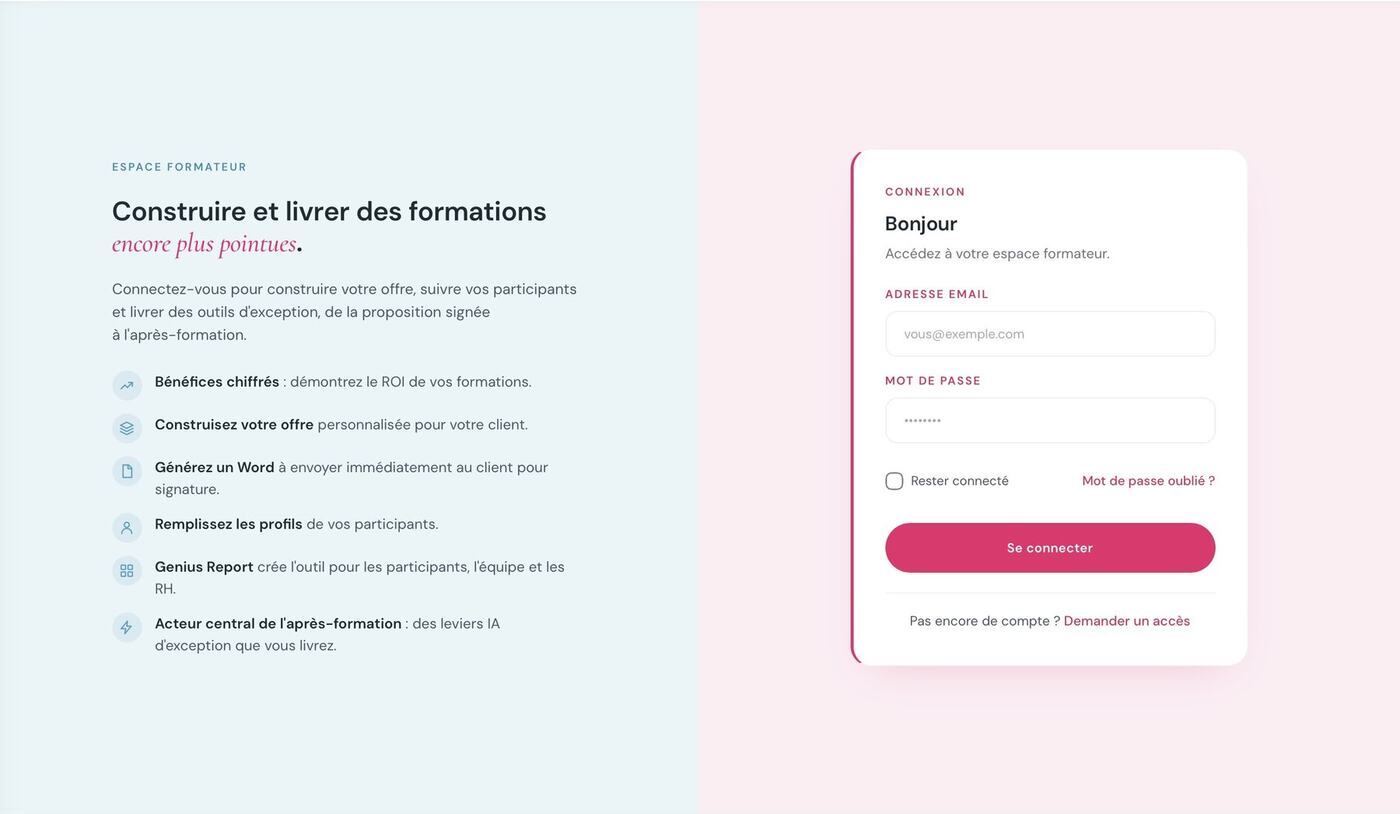
Trainer login. On the left, what the space lets you do: quantified benefits, building the offer, generating the client Word file, participant profiles, Genius reports, post-training levers.
I manage my clients and my participants.
One client, one record: the company, the HR contact, the manager, the number of participants, the training date. The status follows progress — to start, entry in progress, validated for deployment, deployed.
The participant list can be imported as an Excel file or entered manually, depending on what the client sent you.
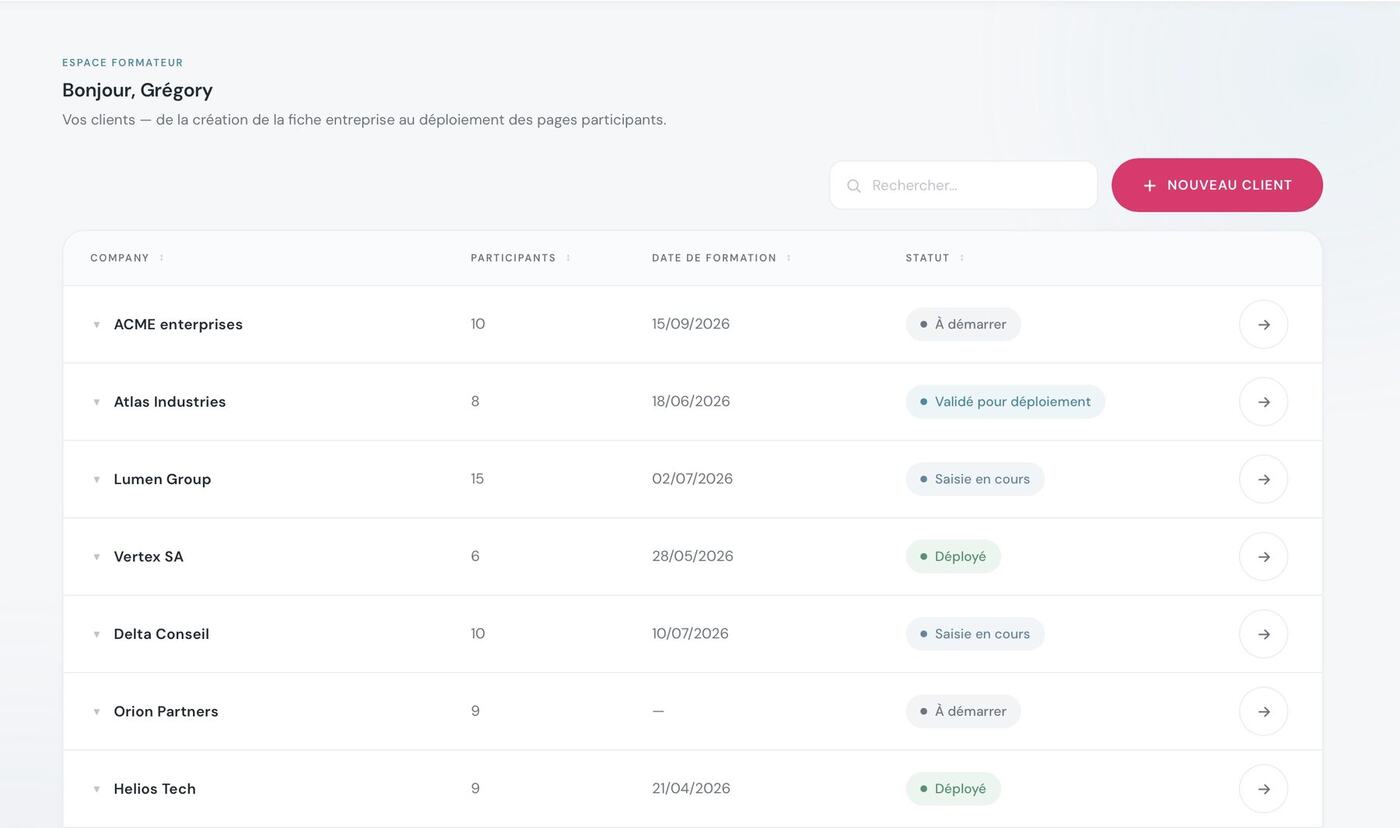
Your dashboard. You see at a glance where each cohort stands, from creating the company record to deploying the participant pages.
I create the reports.
You set down what you observed in the room: identity, Enneagram, typological profile, participant by participant. The map builds itself as you enter the data.
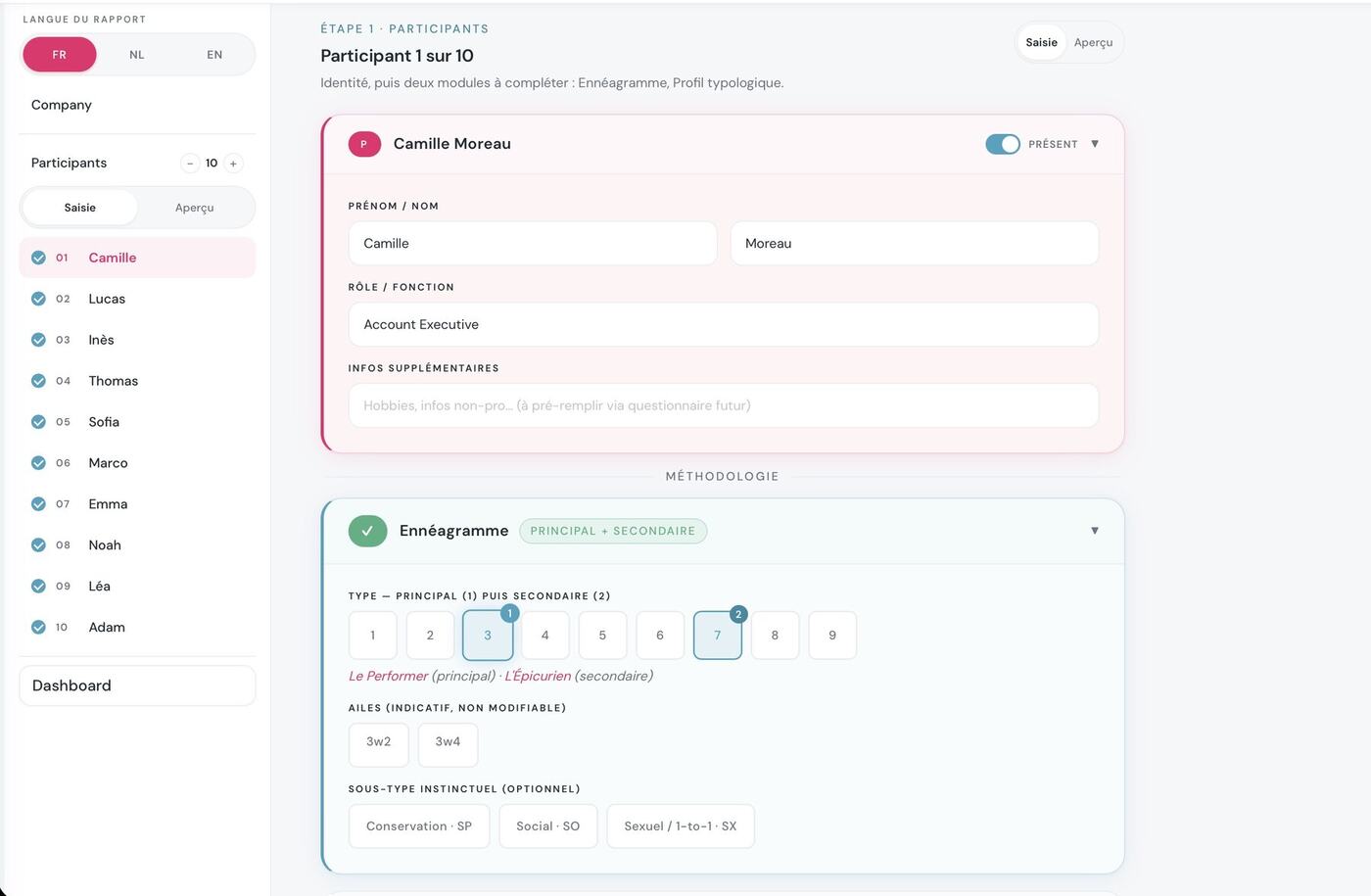
Step 1 — the participants. First name, role, primary type then secondary. The wings are derived automatically, the instinctual subtype is optional. The report language is chosen on the left: FR, NL or EN.
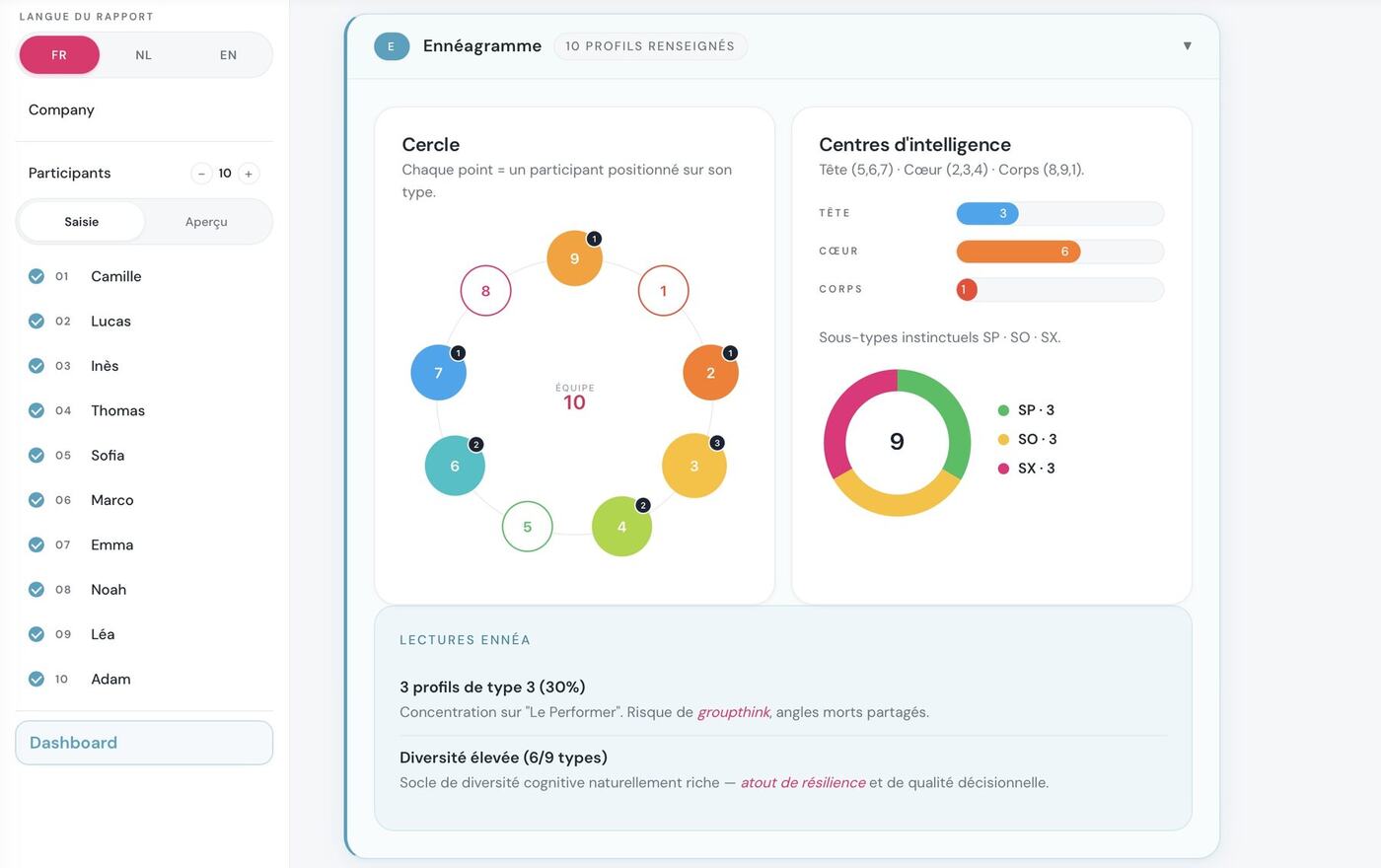
The cohort takes shape. The circle, the centres of intelligence, the subtypes — plus automatic read-outs: concentration on one type, risk of groupthink, high diversity.
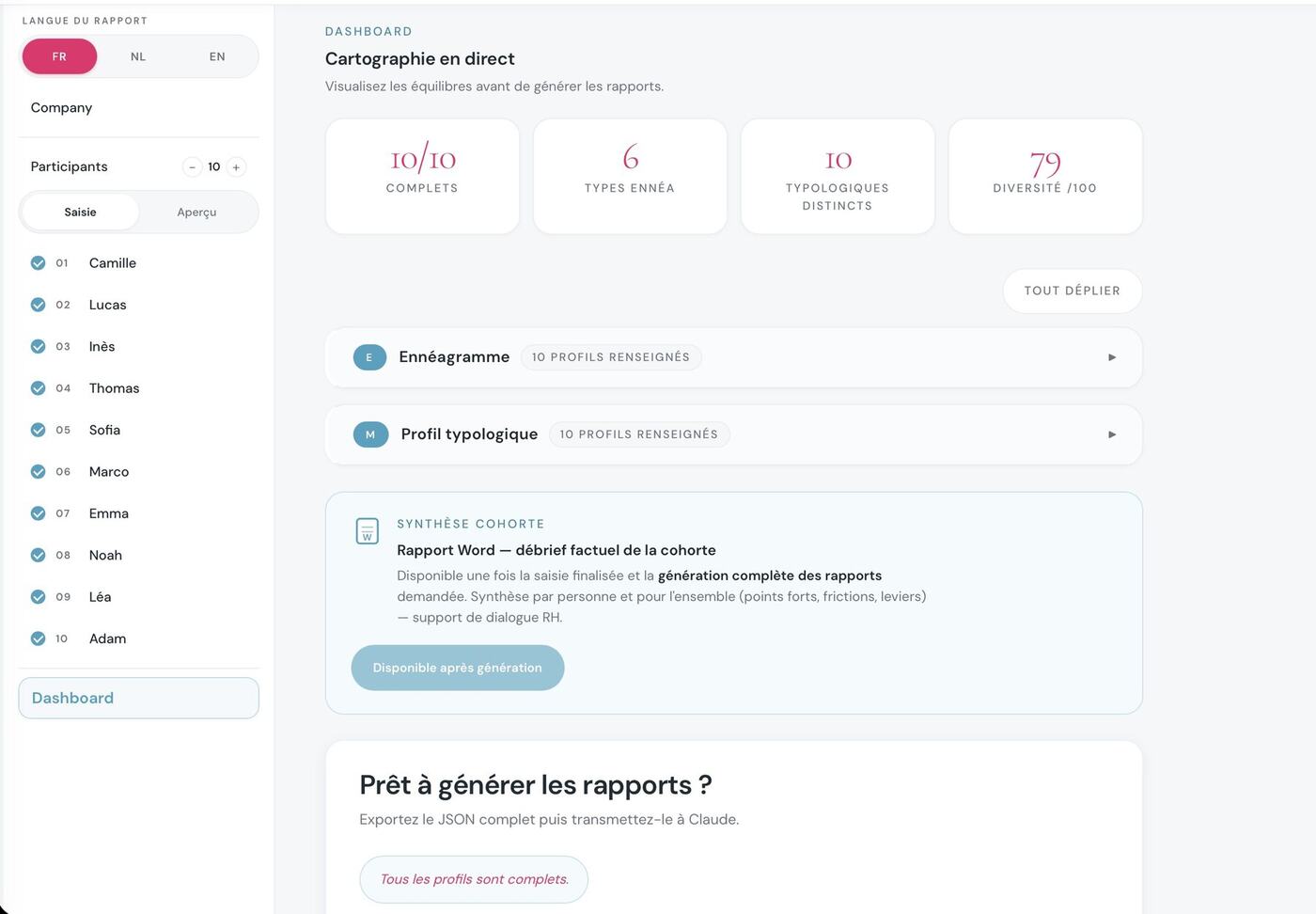
You validate, then you deploy. Complete profiles, distinct types, diversity out of 100, and the cohort summary — the factual Word debrief report for HR.
Everyone receives their own space, secure and personal.
One link per participant. What they find there is visible neither to you, nor to HR, nor to their colleagues. Three things await them: themselves in detail, themselves within the group, and an AI agent to improve the quality of their communication with their peers.
A complete report, written for them, in ten chapters. Printable, and still there six months later.
- Who I am →
- My structure — type, wing, centre, subtype →
- My three centres, and my own →
- What fuels me, what drains me →
- Under pressure, and in growth →
- My blind spots →
- Me, in context →
- My user manual, for colleagues →
- My place in the cohort →
- And now — what I choose to work on →
That is everything the participant receives about themselves. Every chapter is written for them from the profiles you set down — it is not a standard text copied from one profile to the next.
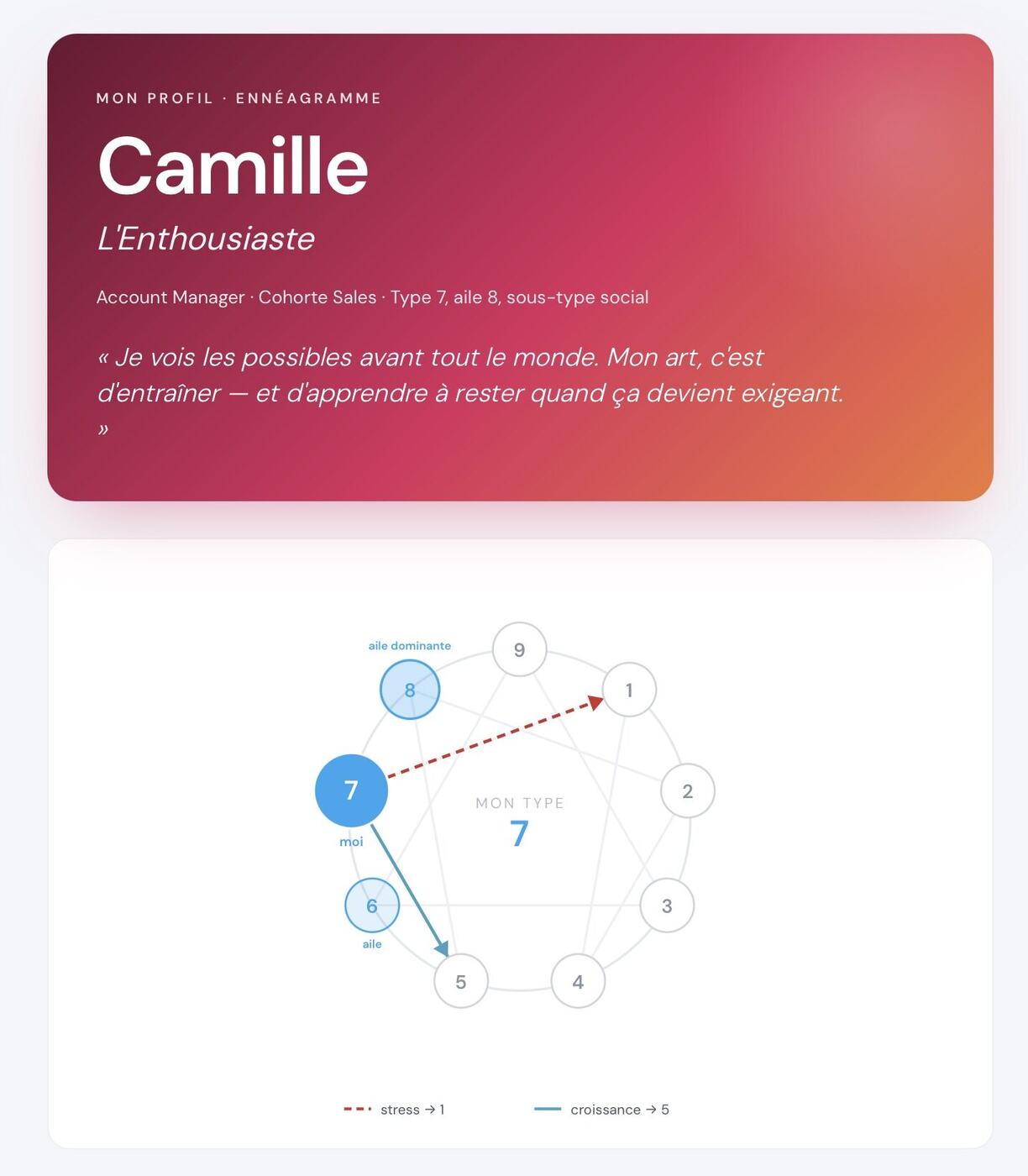
Their cover. Their type, their wing, their subtype — and their wheel, with the stress and growth arrows.
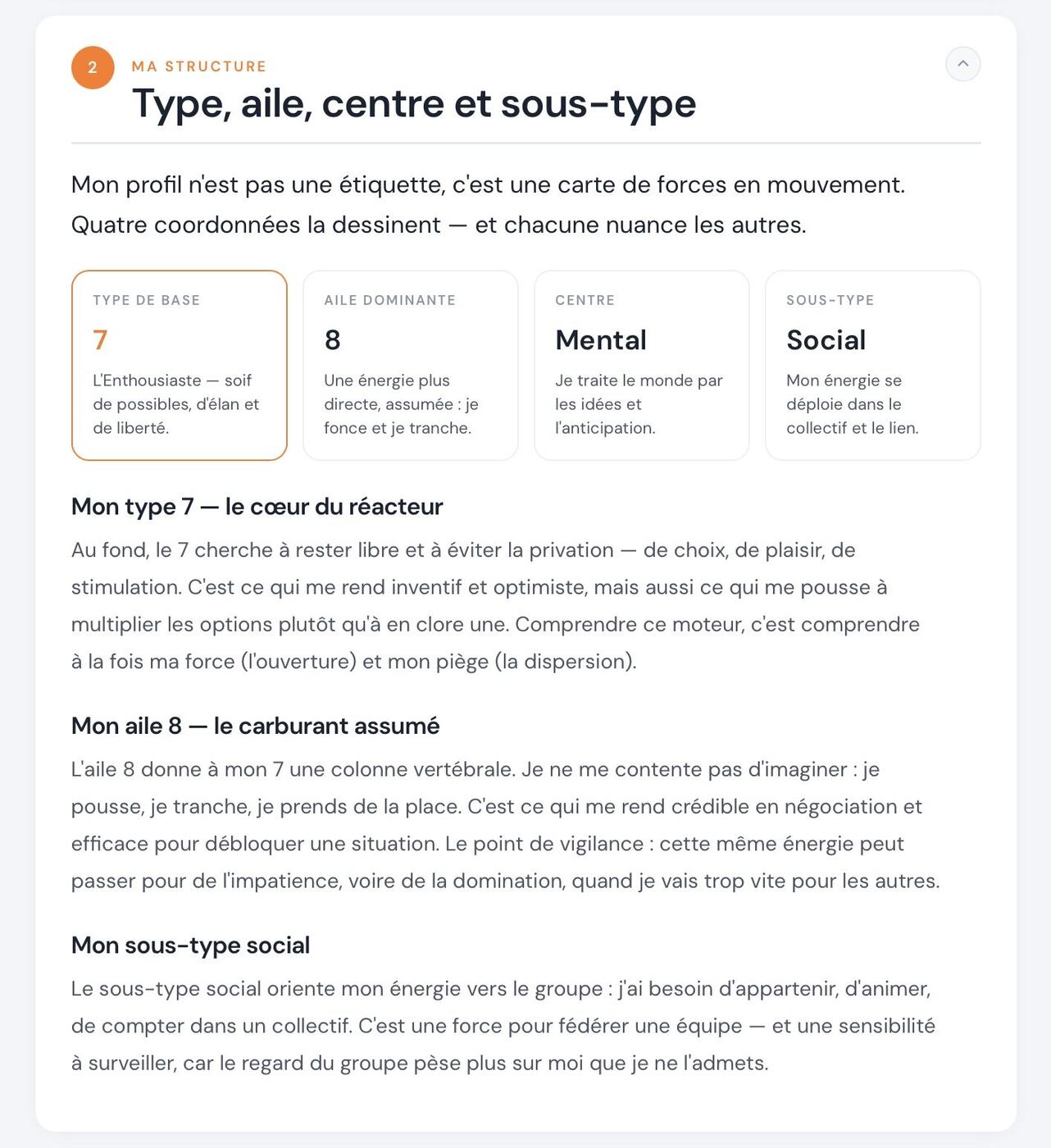
Their structure. Four coordinates explained one by one, in a text written for them — not a generic template.
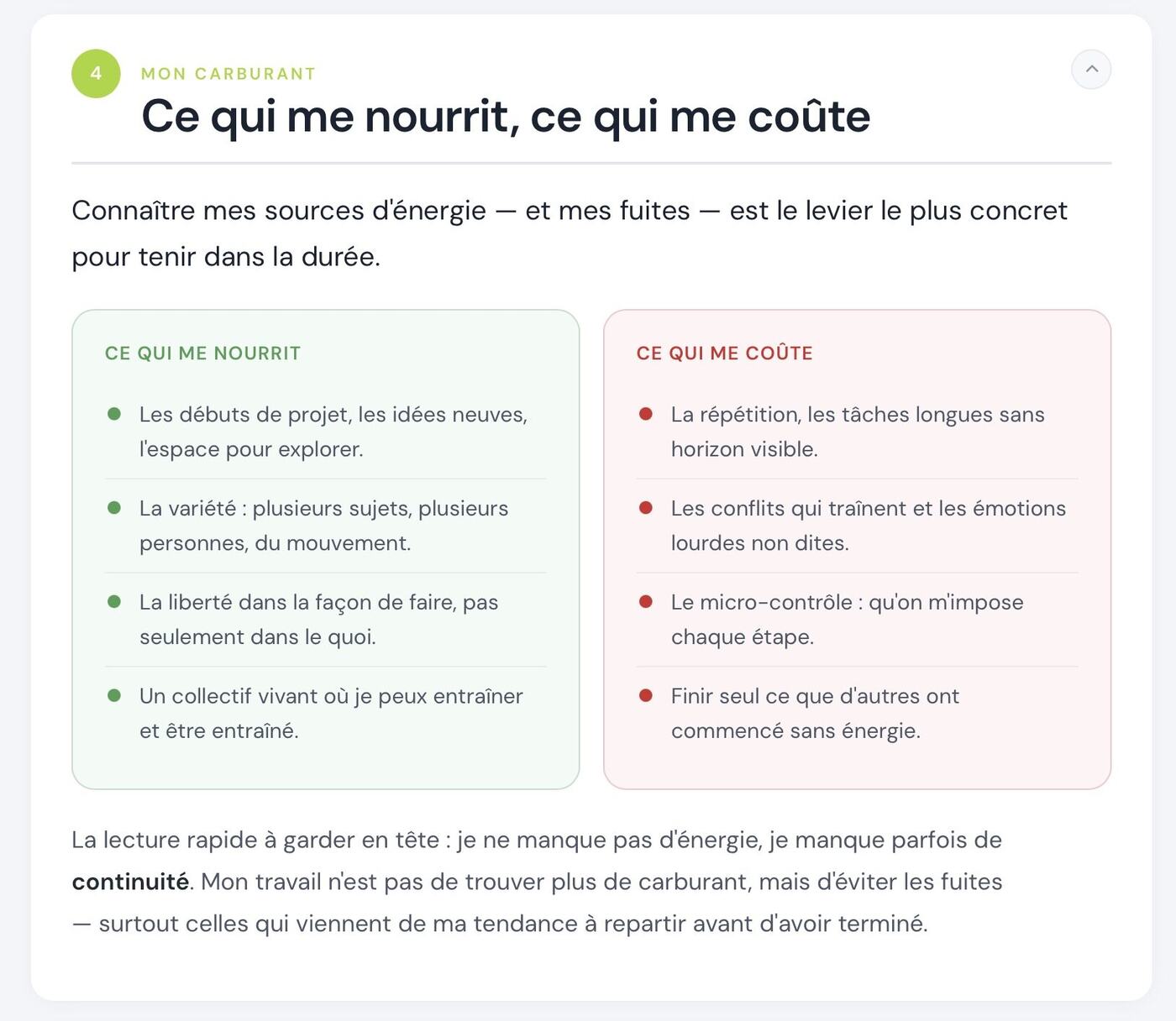
Their fuel. What fuels them, what drains them — the chapter they can use from Monday morning.
These three screens are only three examples out of the ten chapters in the report.
Their place in the cohort, and what plays out with each colleague: the pair dynamic, what brings you together, where it gets stuck, and above all concrete examples and practical day-to-day tips & tricks.
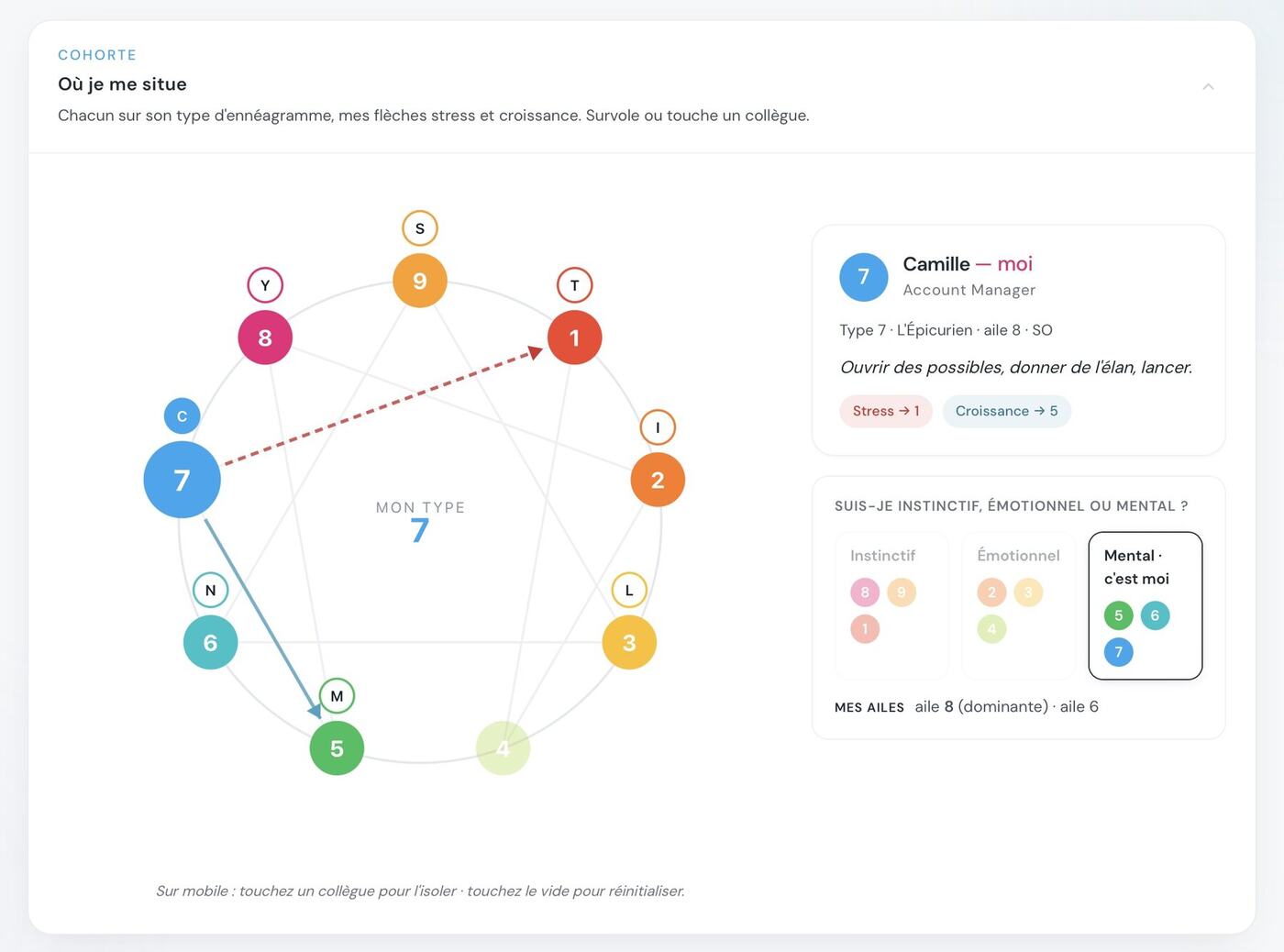
Where they sit. Each person placed on their type. They hover over a colleague, and the read-out adapts.
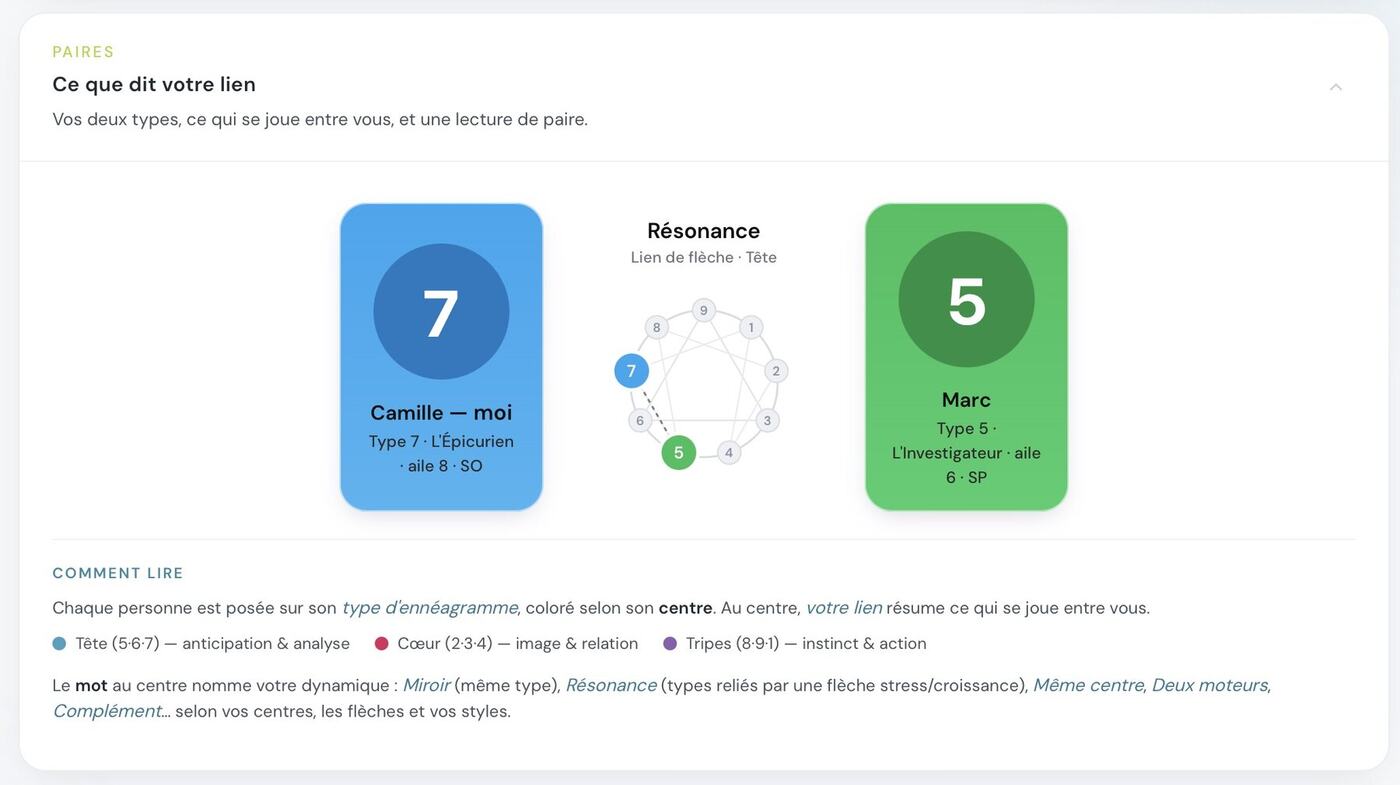
Their pair. Two types, one word at the centre — mirror, resonance, same centre, two engines — and the read-out that goes with it.
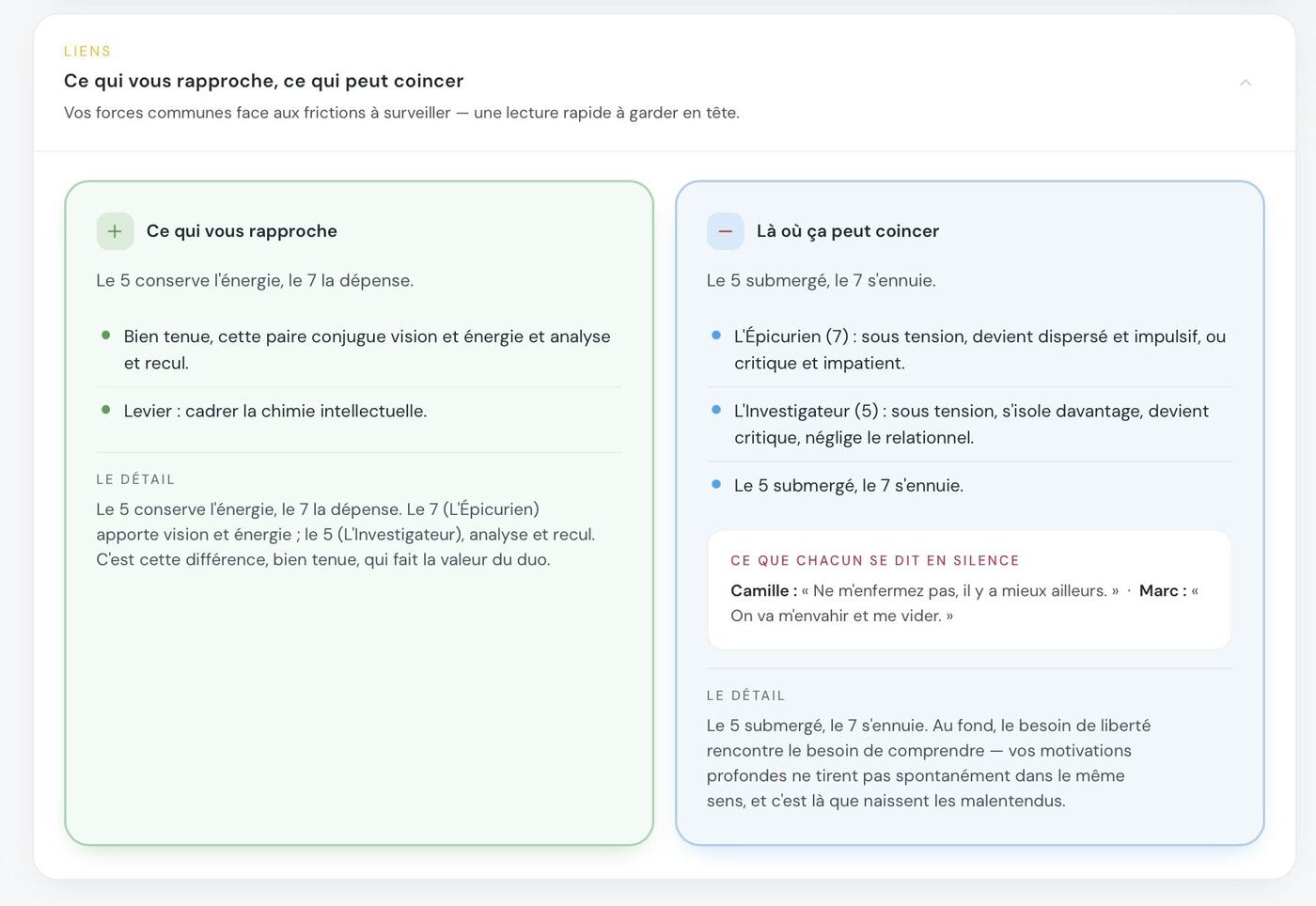
Where it gets stuck. The shared strengths, the frictions to watch, and what each of them thinks without saying.
My agent, day to day
This is what brings people back to the page months after the training: they paste in their raw message, pick the recipient, and the agent adapts it to the way that person needs to be approached.
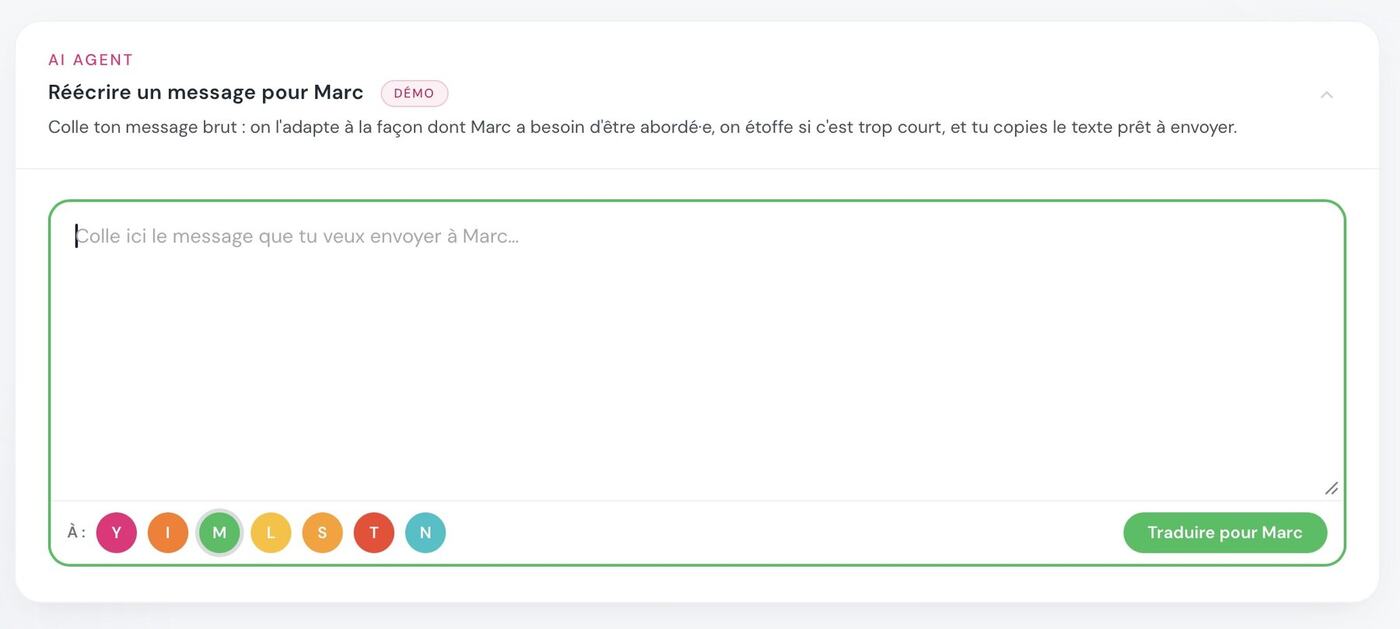
Rewrite a message. They pick the recipient with one click in the cohort, the text is adapted to that profile, and they copy the result ready to send.
My manager gets straight to the point, I set the context first. Now I rework my emails before sending them — and he replies within the hour.
- The participant has their own personal space.
- You don't see what they do with it after the training.
- HR receives only an anonymised collective read-out.